
// Home/// Automation lab/// MAYA, my AI portfolio assistant
MAYA, my AI portfolio assistant
A chat and voice assistant for recruiters that answers from my portfolio pages and trusted sources. Its whole setup lives in n8n.
Part of a case studySee this build with the rest of the system, the deck and the screens.Open →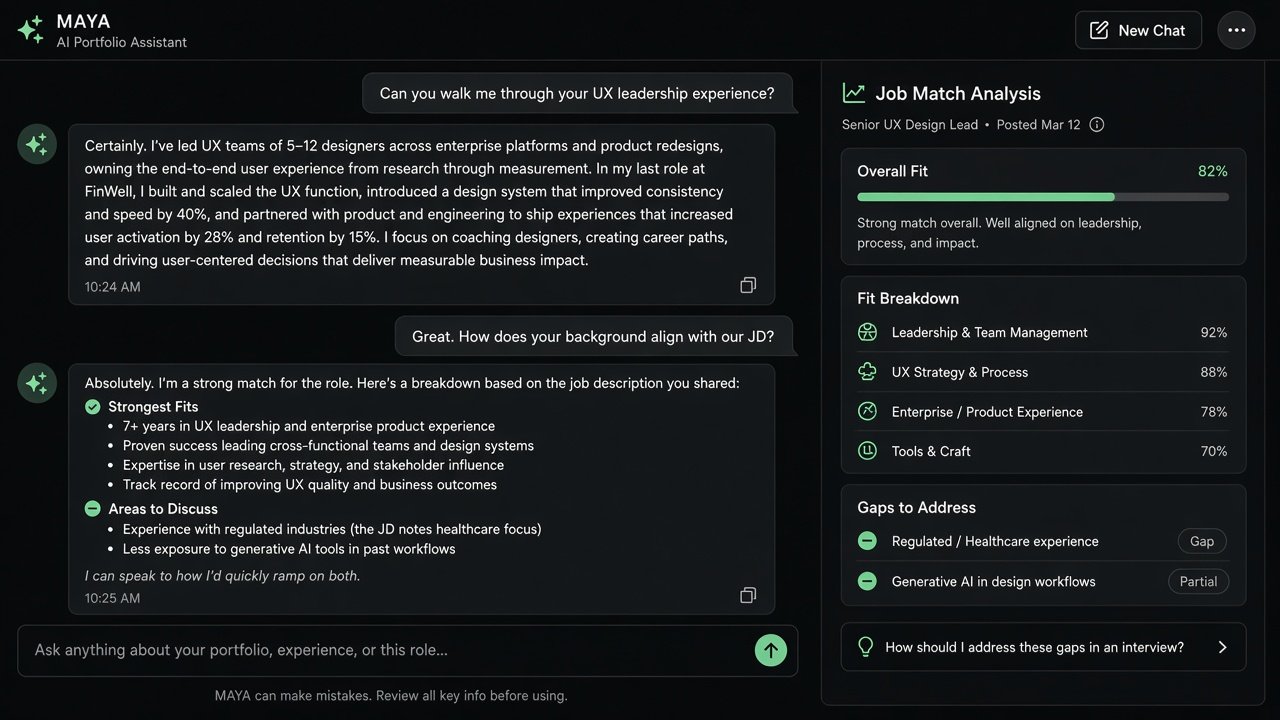
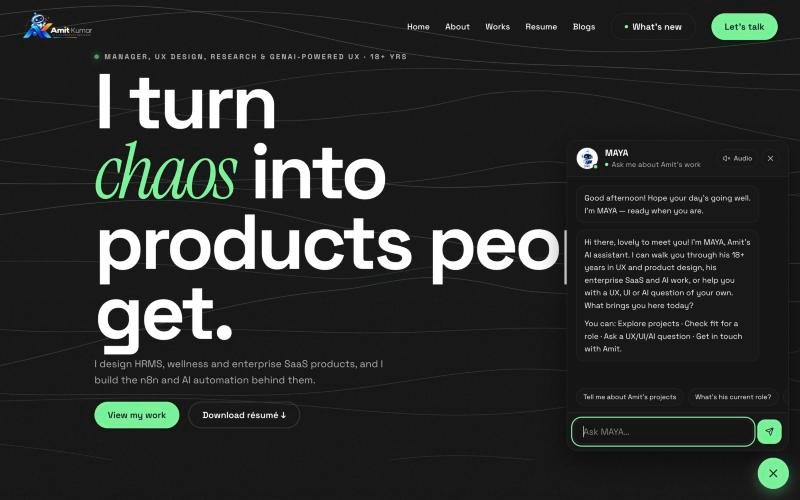
MAYA answers questions about my work for recruiters and hiring managers. It reads the right portfolio page for each question, adds trusted outside sources only when needed, and is told plainly that it is not me and must not invent anything.
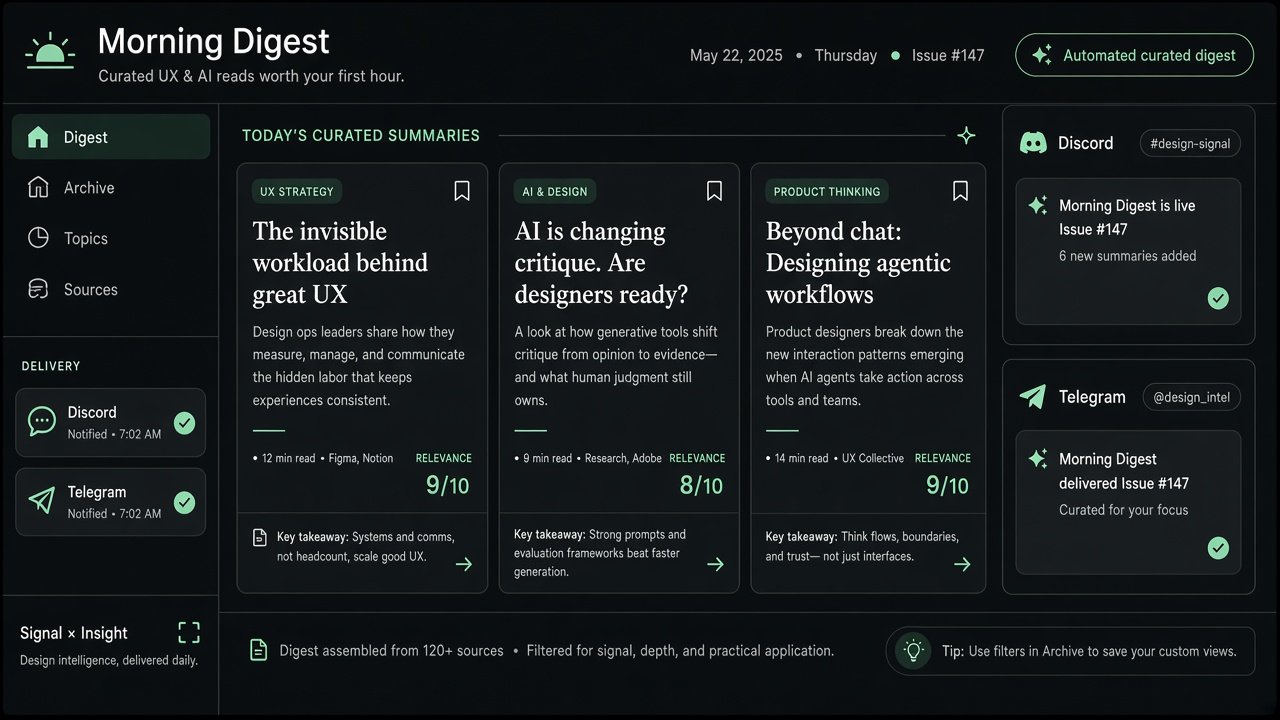
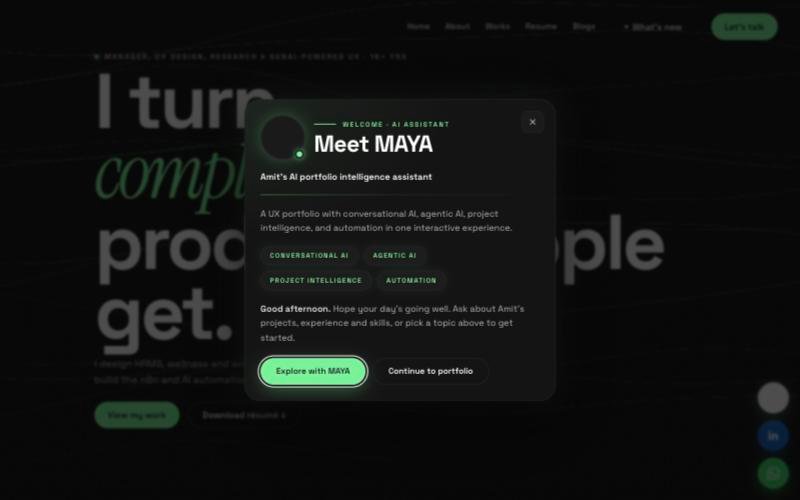
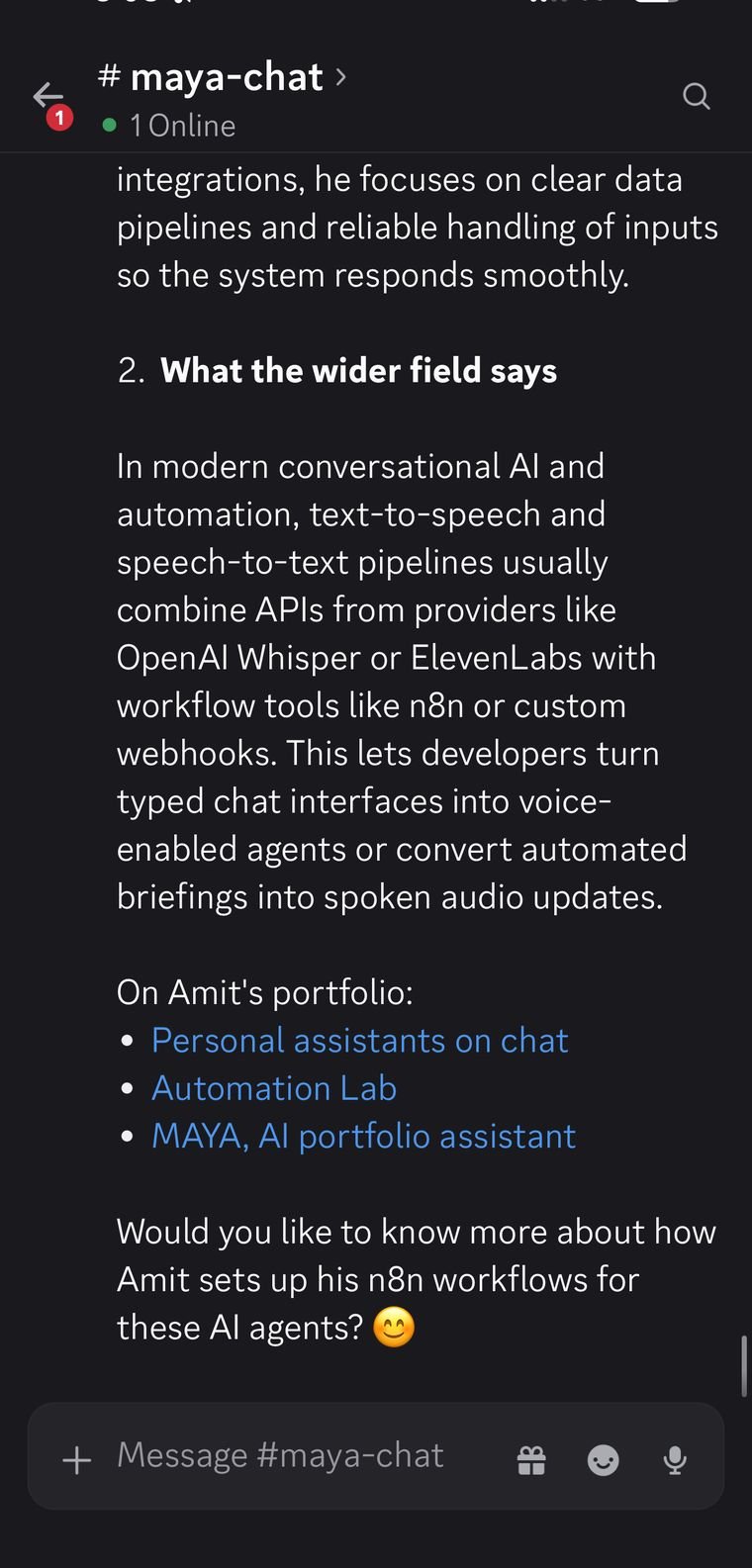
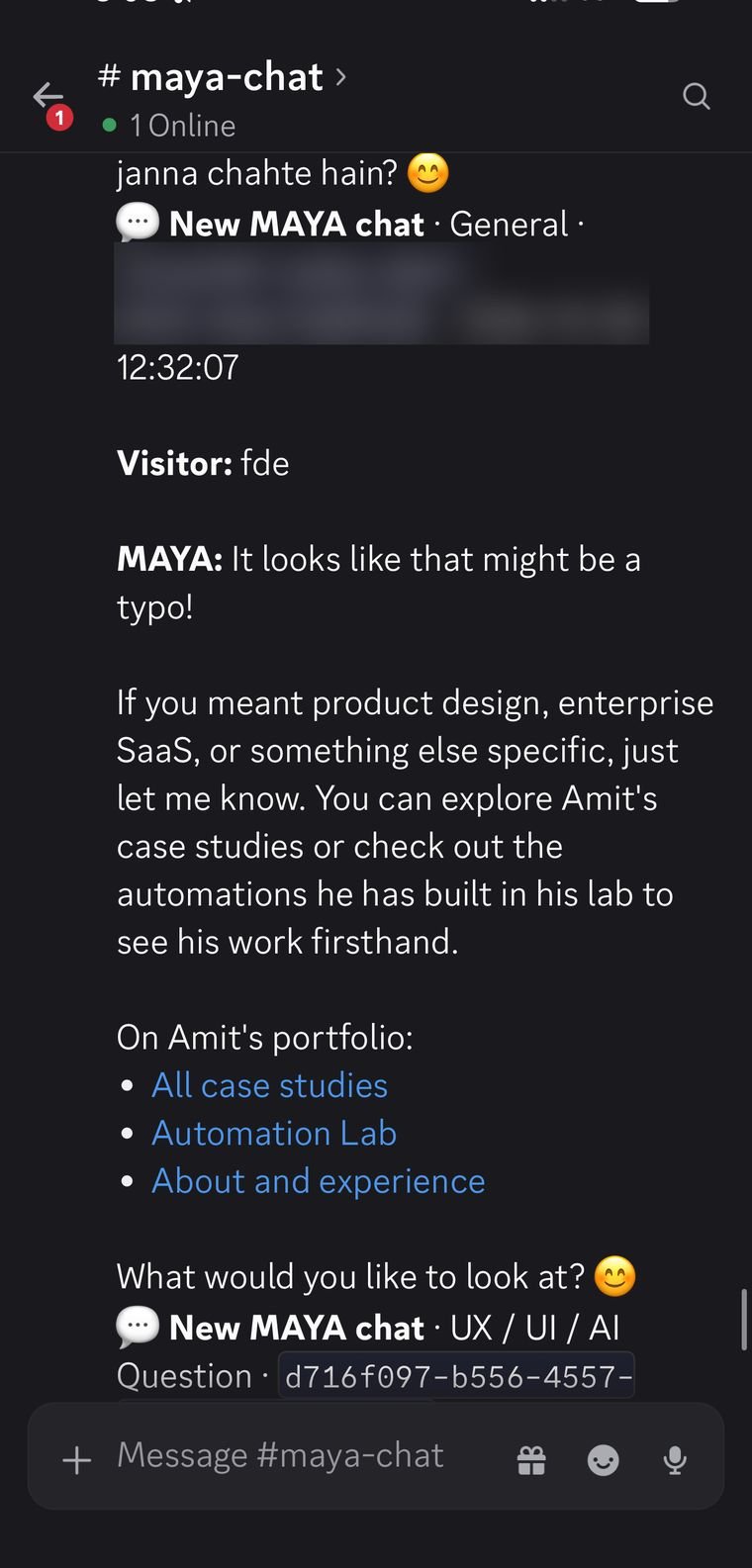
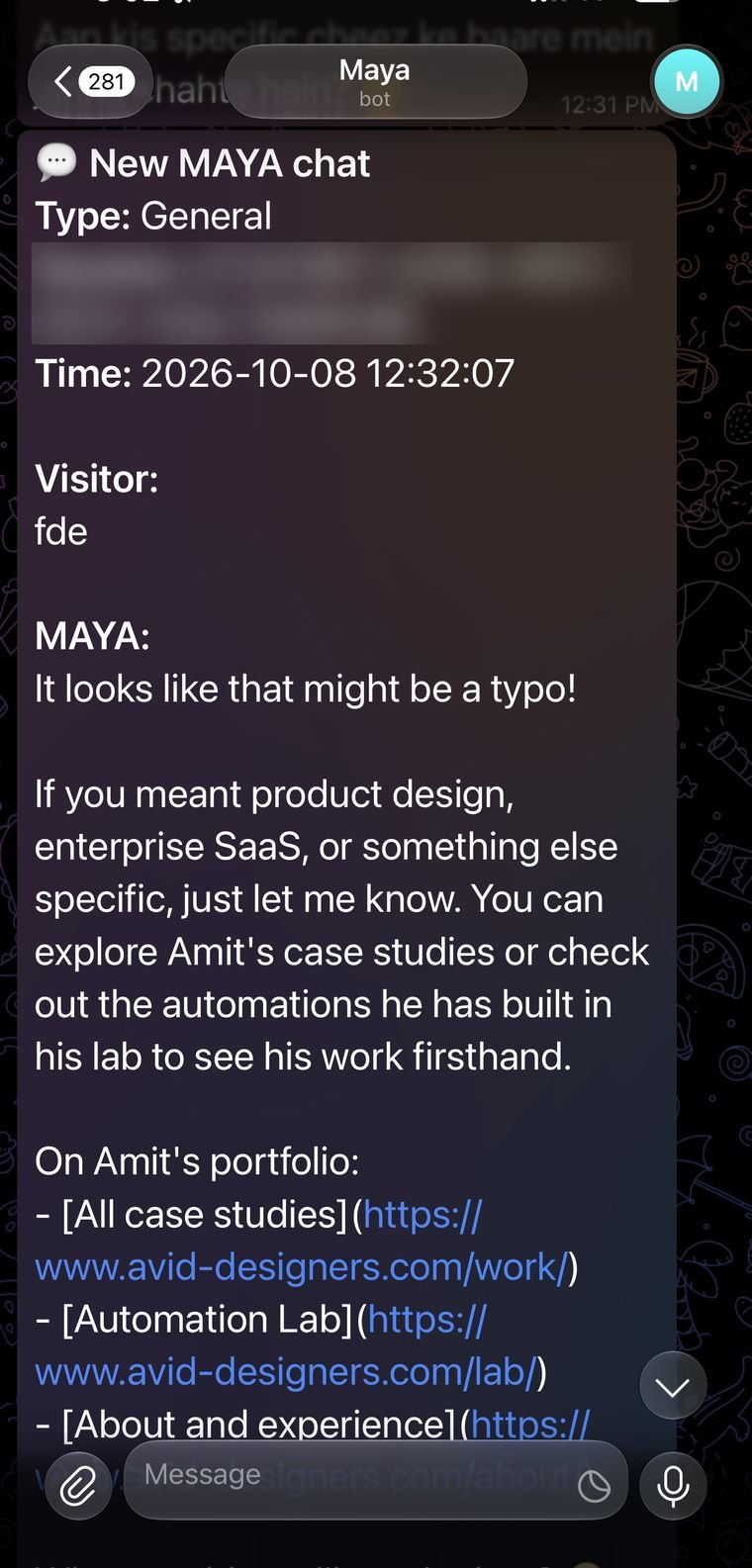
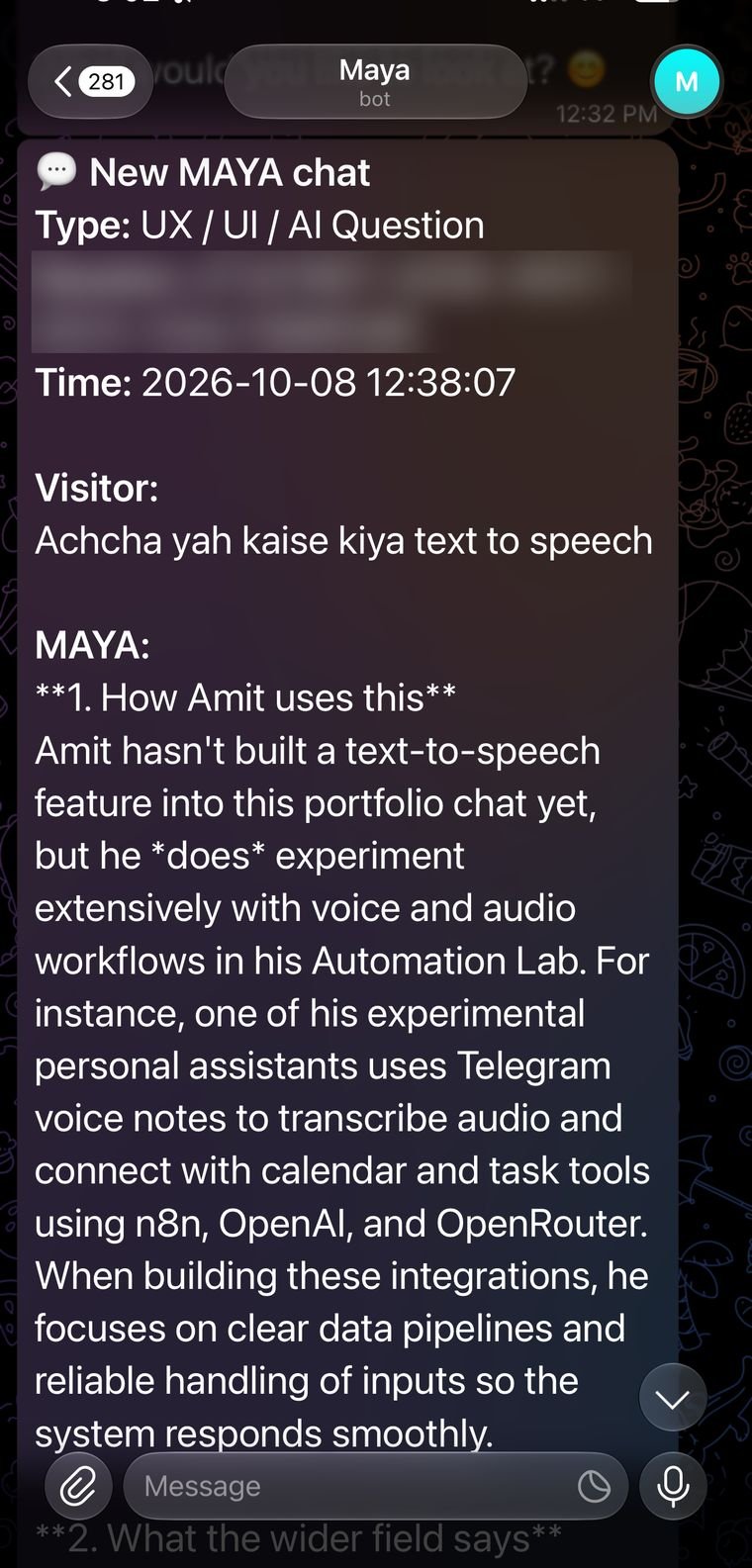
The widget on this site is driven by n8n. The welcome text, suggestion chips, popup cards and the voice settings are all returned by a config webhook, and spoken replies come from a speech webhook. Edit the workflow and the site updates without a redeploy. Every conversation is logged to a sheet and sent to Telegram and Discord.
The earlier designs, with PDF job description matching and lead capture, are the roadmap for the next version.
In use
Usage figures are my own counts.
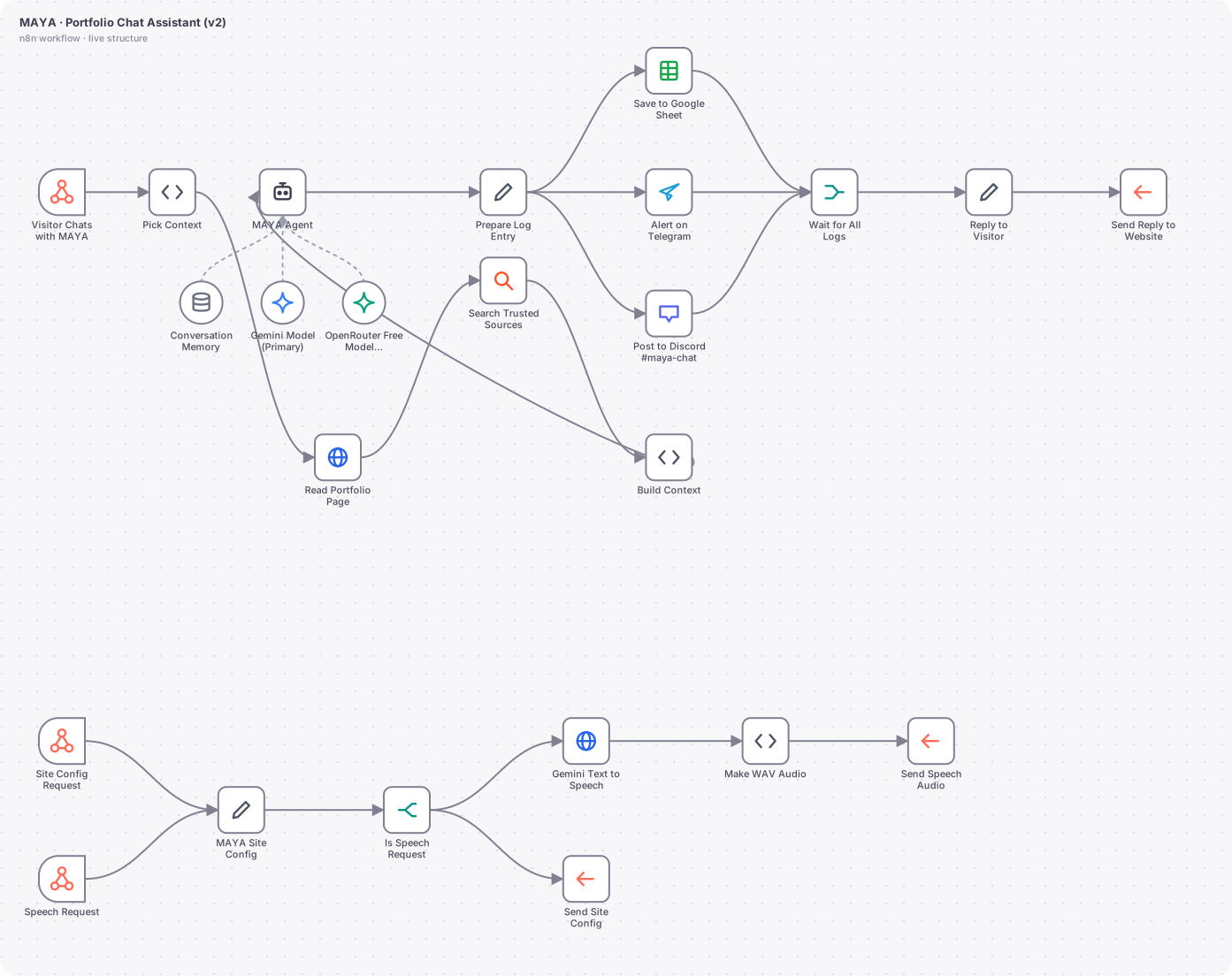
The actual n8n workflow
// Technical overview
MAYA is the chat assistant on this site. The version running now is MAYA v2: a website widget that talks to n8n through webhooks, with the persona, answers, welcome texts, suggested questions and even the voice settings all stored in the workflow. Changing the workflow changes the website, with no redeploy.
// Trigger
Three webhooks on one workflow. POST maya-chat receives a visitor message and a session ID. GET maya-config returns the JSON that drives the widget (bot name, welcome message, suggestion chips, popup cards, voice settings). POST maya-speech returns a spoken WAV for a given text.
// How it works, step by step
- 01
Pick context
A Code node reads the question and chooses which page of the portfolio to read (about, work, case study, contact), using keyword rules. It also decides whether the question needs outside information and, if so, builds a search query restricted to trusted sites with site: operators.
- 02
Read the portfolio page
An HTTP Request node fetches the chosen page. It is set to continue on error, so a missing page can never turn into a 500 for the visitor.
- 03
Search trusted sources
Only when needed, a search request runs. Again it continues on error. Results are limited to a handful of snippets.
- 04
Build context
A Code node strips HTML to text, trims the page to about 4,500 characters and formats up to five search results. The system prompt receives this as a single context variable, so the model answers from my own words first and outside sources second.
- 05
MAYA agent
An AI Agent node with no tools, a window buffer memory of 10 messages and a maximum of 2 iterations. Removing tools made replies fast and predictable, since all research is already done by the earlier nodes.
- 06
Model with fallback
Gemini Flash Lite is the primary model. If it fails or is rate limited, an OpenRouter free model takes over. Both are connected to the agent, so the visitor does not see an outage.
- 07
Log and notify
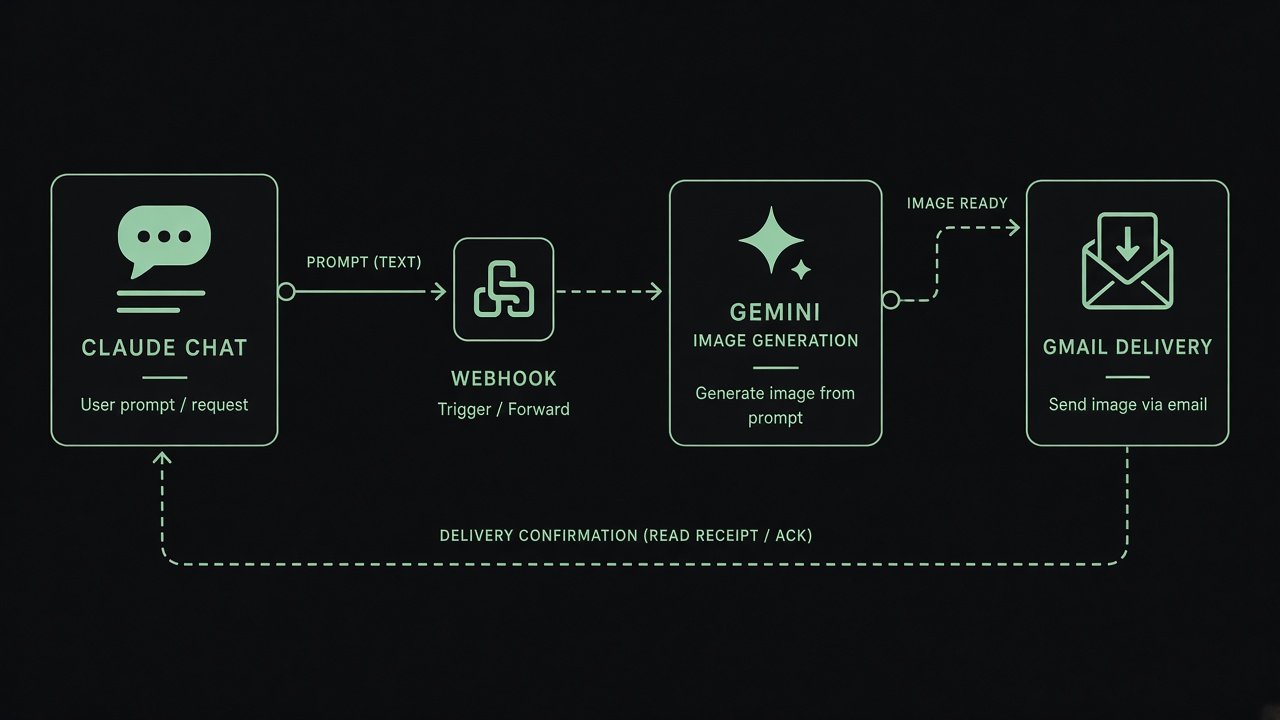
Each exchange is saved to a Google Sheet, sent to Telegram and posted to Discord, then a Merge node waits for all three before the reply goes back through Respond to Webhook.
- 08
Config and voice branch
The config webhook returns a Set node with raw JSON. The speech webhook goes through an IF node to a Gemini text to speech request, and a Code node wraps the raw PCM audio into a WAV file that the browser plays.
// AI design
The prompt makes MAYA speak about Amit in the third person, forbids invention, ranks sources (portfolio first, then trusted external sources) and keeps replies short. The voice is configured in the same workflow, so the tone, language and speaking speed can be tuned without touching the site.
// What you can do with it
Recruiter screening
A recruiter asks about experience, leadership or tools and gets an answer grounded in the real portfolio pages.
Voice conversation
The visitor taps the mic, speaks, and MAYA answers in a female voice and then listens again, hands free.
Content changes from n8n only
Edit the welcome text or suggestion chips in the workflow and the website picks them up on the next load.
Lead awareness
Every conversation is logged, so I can see what people ask and follow up with the ones who show interest.
// Guardrails
- No tools on the agent, so there is nothing it can be tricked into running.
- HTTP and search nodes continue on error to avoid workflow level failures.
- Primary and fallback models keep the chat available under rate limits.
- The prompt allows answers only from supplied context and says plainly when something is not known.
// Where it can go next
- Add a lead capture step that stores name, company and requirement.
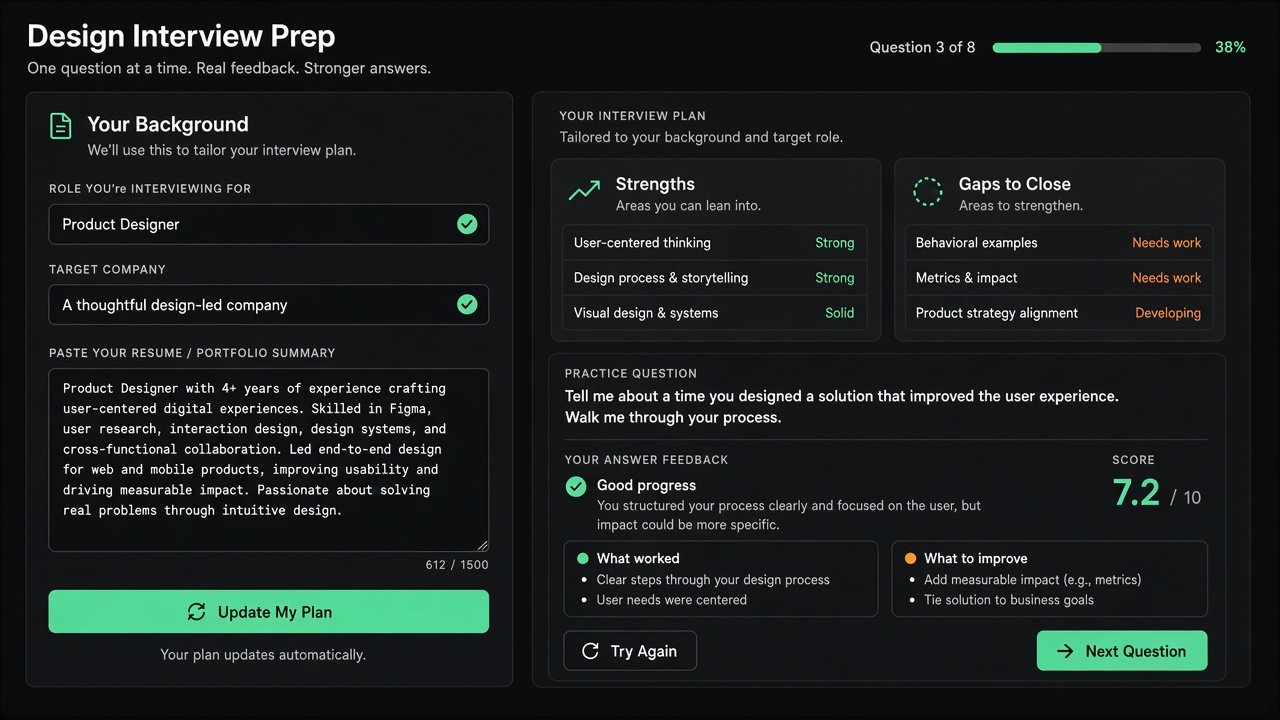
- Add a JD upload that scores a role against my profile.
- Let the widget switch language based on the visitor's browser.
// Workflows in this project
MAYA Portfolio Chat v2
Powers the widget on this site, with voice and config.
Amit | Maya AI Agent, original sample
First design: PDF JD upload, a two stage intent router, a weighted JD match and lead capture. Parts of it were folded into v2, the rest is the roadmap.
Maya V1
A two node skeleton that proved chat input could reach Telegram.
Screens
Hiring a design leader for an AI product?
I'm open to design leadership roles. Send me a note and I'll reply within two working days.